IPTV compatible devices for Nagare
Nagare works on the screens most households already have. If your device can run an IPTV player app with Xtream Codes login, or is a MAG box, you can watch Nagare on it.
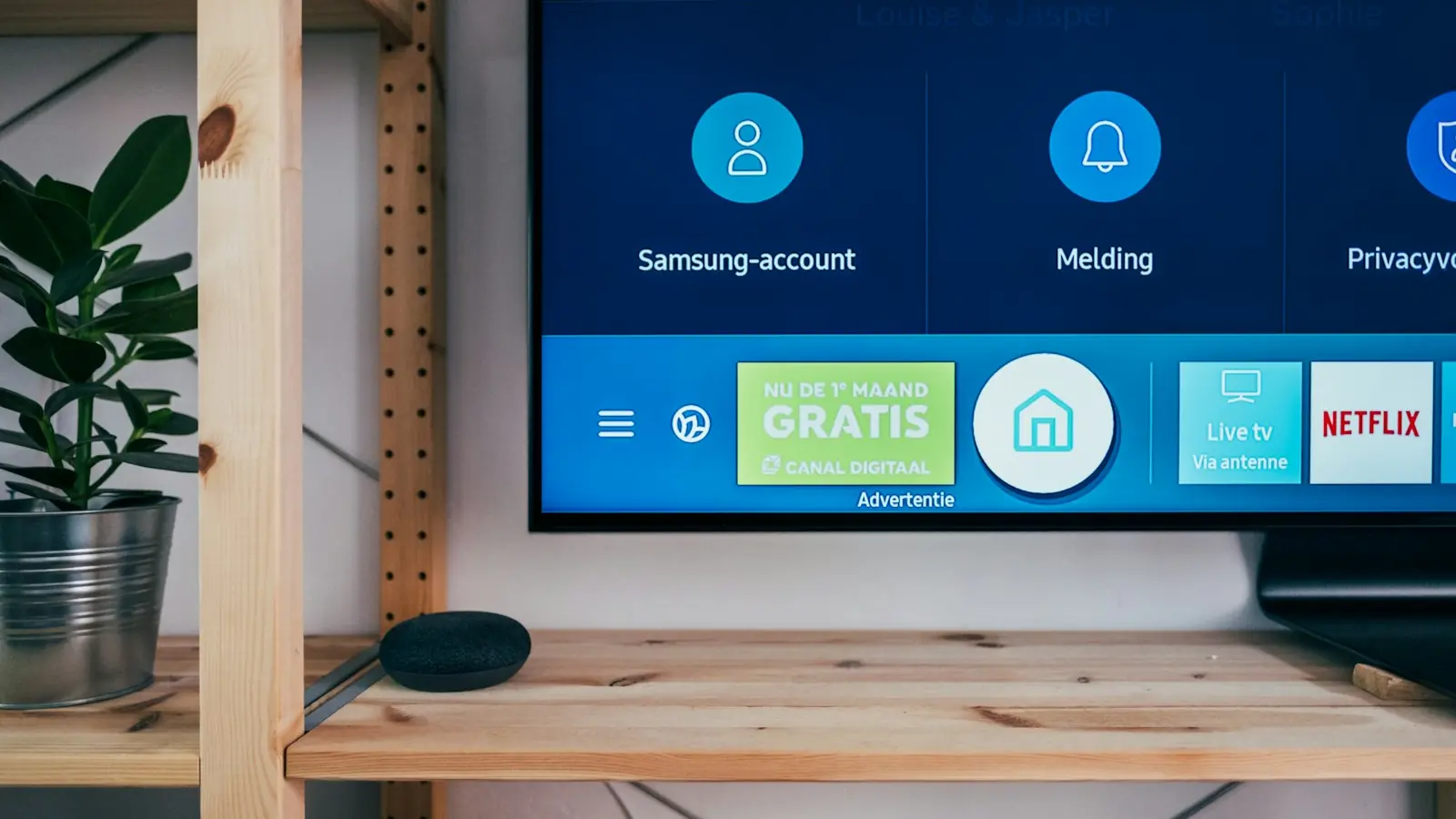
One Service. Every Screen.
From your living room TV to your phone on the go — Nagare follows you everywhere.
Smart TV
Samsung, LG, Sony
FireStick / MAG
Amazon FireTV, MAG
iOS & Android
iPhone, Samsung...
PC & Mac
Windows, macOS
Tablet
iPad, Android tablets
Smart TVs
Samsung Smart TVs (Tizen) and LG Smart TVs (webOS) work through an IPTV player app from the TV's own app store. Recent models give the smoothest experience; on older TVs, a FireStick or Android TV box is often faster.
Amazon FireStick and Android TV boxes
Amazon Fire TV Stick, Fire TV Cube, Android TV and Google TV devices are among the most popular choices for IPTV. They plug into any TV with an HDMI port and install player apps from the Amazon Appstore or Google Play.
MAG boxes
MAG set-top boxes connect through a portal address instead of an app. Our support team sends the setup details for your box after you share its model and MAC address.
Phones and tablets
Watch on iPhone, iPad and Android phones and tablets with an IPTV player app from the App Store or Google Play. Apple TV is supported in the same way.
Windows PC and Mac
On computers, use an IPTV player for Windows or macOS that supports Xtream Codes login. A wired network connection gives the most stable picture.
How many devices can I use?
You can install Nagare on as many devices as you like. The number of devices that can stream at the same time depends on the connections in your plan, which are listed on each plan.
What internet speed do I need?
We recommend at least 10 Mbps for HD and Full HD channels and at least 25 Mbps for 4K. A stable connection matters more than peak speed, so use a network cable where you can.
Ready to start streaming?
Try Nagare free for 24 hours, or choose a plan and receive your login details after activation.